How to Reduce Bounce Rate on Hotel Websites
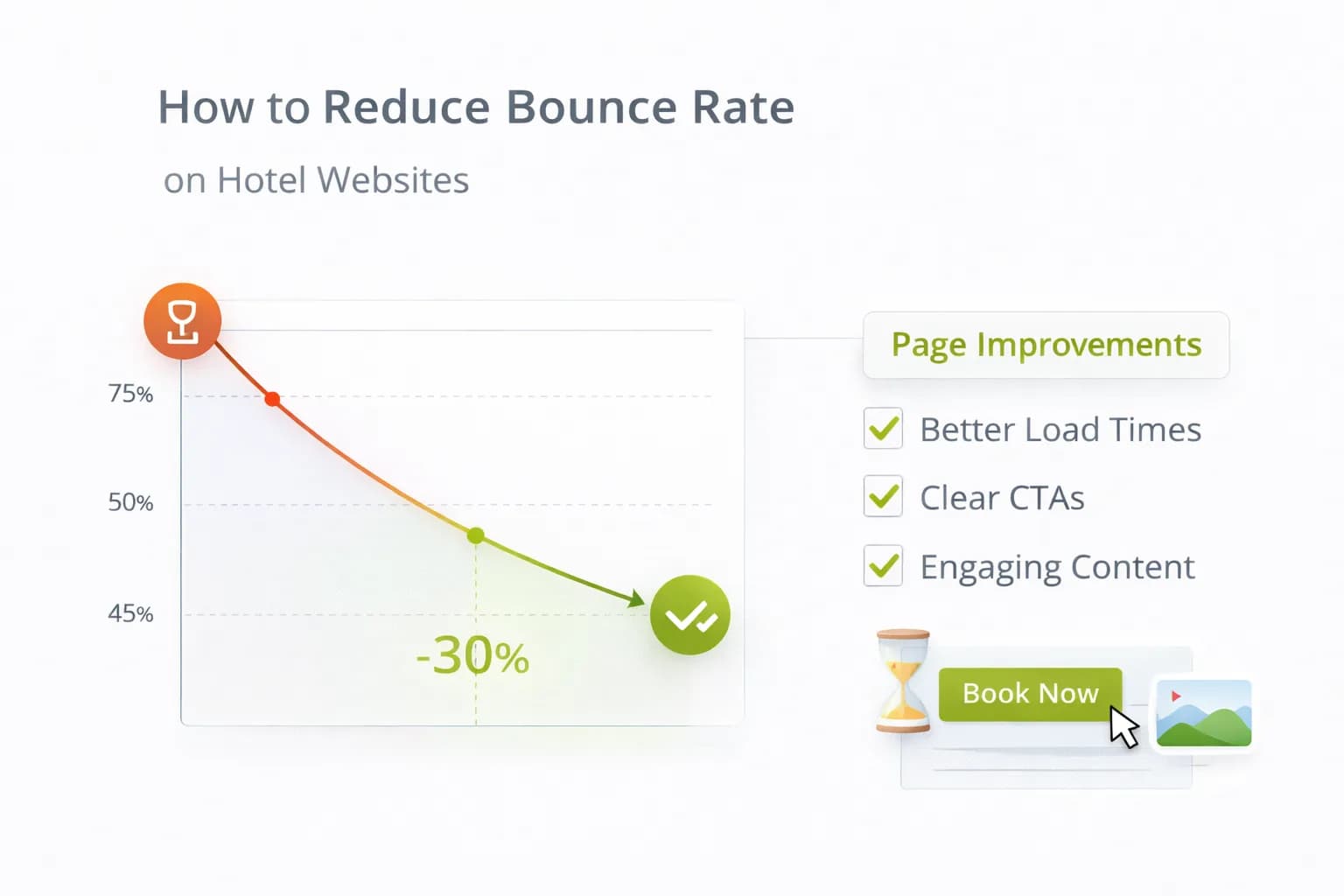
A high bounce rate usually means guests didn’t find clarity fast enough—slow pages, missing “key facts” (parking, breakfast), or a layout that hides the next step on mobile. Reducing bounce is not about tricks; it’s about speed, relevance, and visible actions that lead to booking.
This guide gives hotels a bounce-rate playbook that aligns with real outcomes—GA4 purchases and revenue per 1,000 sessions—so you fix leaks that actually move direct bookings.
1) First principles: what “bounce” really signals
- A “bounce” is a single-page session; on content hubs that answer a question, that isn’t always bad.
- For rooms, offers, location and parking pages, a high bounce usually means missing intent match or slow first screen.
- Track revenue/1k sessions and purchase rate alongside bounce; the goal is qualified engagement, not artificial time-on-page.
For quality basics, review Google Search Essentials and keep performance healthy with Core Web Vitals guidance.
2) The 5 drivers of bounces on hotel sites (and the fixes)
A) Slow LCP (Largest Contentful Paint)
- Optimise hero images; use modern formats; avoid heavy sliders.
- Defer non-critical JS and third-party tags; load UX tools after consent.
- Re-test with Website Speed.
B) No “key facts” above the fold
- Add a short Key Facts block: parking (cost/height/EV), breakfast times, check-in/out, accessibility, transport walking times.
- Use plain English and icons with labels. See CRO: 2026 Insights.
C) Weak mobile hierarchy
- One H1 + one primary CTA; remove hero carousels.
- Put navigational quick links (“Rooms”, “Offers”, “Parking”, “Location Guide”) near the top.
- Validate on Mobile-Friendly.
D) Mismatch between SERP promise and page
- Mirror query intent with the H1 and first paragraph (e.g., “Parking at [Hotel/Area]”).
- Add internal links to the next best action (rooms/offers/FAQ).
- Sanity-check titles/descriptions with Meta Tags.
E) Hidden next steps
- Persistent availability CTA on rooms/offers; visible “Contact/Group enquiry” on events pages.
- Use sticky but unobtrusive CTAs on mobile.
- Coordinate copy with your booking engine labels; see Booking Form Optimisation.
3) Pages that matter most for bounce
Prioritise the pages closest to a booking or decisive action:
- Rooms and Offers (commercial intent).
- Location / Parking / Breakfast (decision-assist intent).
- Homepage (navigation and trust).
- Event / Meeting enquiry pages (lead intent).
Pair bounce work with Heatmaps & Scrollmaps to see what’s actually ignored or mis-clicked.
4) Make the first screen do its job (mobile-first)
- Headline = location + value (“City-centre hotel with parking & family rooms”).
- Key Facts = 5 bullets max; link to full details lower down.
- Primary CTA = availability widget or “View Rooms”.
- Proof = one review badge or award strip; don’t overwhelm.
Keep paragraphs ≤3 sentences; use sub-headings every 3–4 blocks to help scanning.
5) Internal linking that lowers bounce (without spam)
- Add contextual links inside sentences to rooms, offers, and location hubs—especially in the first third of the page.
- From FAQ/parking pages, link to rooms with parking or breakfast-included offers.
- From location guides, link to walkable attractions sections and back to rooms/offers.
Use Hotel SEO principles to structure hubs and spokes.
6) Content patterns that keep guests moving
- Know-before-you-go sections on rooms/offers: fees, cancellation, deposit, ID requirements.
- Mini-FAQ (3–5 Qs) near the CTA; keep answers concise.
- Map moment: distances to transport and major venues (text + simple map).
- Direct benefits: price-match, flexibility, onsite perks (one line each).
For entity clarity and reuse in assistants, see Structuring Content for AI Assistants.
7) Design hygiene that quietly reduces bounce
- Tap targets ≥ 44×44 px; correct keyboards (email/tel/number).
- Avoid interstitials that block the first screen; delay newsletter modals.
- Keep CSS/JS lean; test after adding pixels (GTM governance—see GTM basics).
- Keep CLS stable; show image/slot dimensions.
8) When a high bounce is fine (and how to tell)
- If the page is an answer page (e.g., check-in times) and users bounce after reading while overall bookings rise, accept it.
- Track entrance page → assists (sessions that start there and buy later).
- In GA4, use assisted conversions and landing-page reports to see revenue influence.
Docs to bookmark:
9) Measurement: prove bounce fixes make money
Don’t celebrate lower bounce unless purchases and revenue/1k sessions improve.
In GA4 (with cross-domain on):
- Primary conversion =
purchase. - Scoreboard: Bounce, Engagement rate, Purchases, Revenue/1k sessions by landing page.
- Annotate when you ship changes.
In Search Console:
- Landing-page clicks/impressions; watch queries that drive bounces and adjust titles/descriptions.
- Ensure coverage/indexing are clean: Search Console.
Tools:
- Validate speed with Website Speed; mobile UX with Mobile-Friendly.
10) 14-day bounce-rate sprint (copy this)
Day 1–2 — Baseline
- Identify top 10 landing pages by sessions and bounce; add purchases and revenue/1k sessions columns.
- Record LCP/CLS and mobile vs desktop split.
Day 3–5 — Ship speed & above-the-fold fixes
- Compress/resize hero, remove carousel, defer non-critical scripts.
- Add Key Facts + primary CTA; add quick links.
Day 6–8 — Intent alignment
- Rewrite H1/intro to mirror search intent; adjust meta in Meta Tags.
- Add 2–3 contextual links to rooms/offers.
Day 9–11 — Test
- A/B test Key Facts placement or sticky CTA on a high-traffic page (see A/B Testing).
- Monitor GA4 Realtime and DebugView.
Day 12–14 — Review & scale
- Compare bounce + revenue/1k sessions; roll winners.
- Document changes in Resources and queue next pages.
11) Common pitfalls (and fast fixes)
- Chasing bounce only → Pair every change with purchases and revenue/1k sessions.
- Pixel bloat → Audit GTM monthly; fire heavy tags on DOM Ready or via Trigger Groups.
- Misleading titles → Align SERP promise with page content; update meta data.
- Sticky bars hiding content → Ensure CTAs never occlude headings or price info.
12) Tie-ins & next steps
- Deepen UX with behaviour evidence: Heatmaps & Scrollmaps.
- Fix last-mile leaks on the engine: Booking Form Optimisation.
- Plan iterative tests: What to Test First.
FAQ
Frequently Asked Questions
Conclusion
Lowering bounce for hotels is a speed + clarity exercise. Make the first screen do real work, align content to intent, keep actions visible on mobile, and measure everything against purchases and revenue/1k sessions. Run the 14-day sprint, then iterate with A/B tests to keep compounding results.
Stabilise speed, structure and UX—then scale bookings
Kiril Ivanov
Performance Marketing Specialist
Kiril Ivanov is a digital marketing specialist with experience managing local, national and international campaigns for businesses ranging from growing independent companies to major consumer brands. His background includes leading advertising automation work for Michael Kors and working on campaigns involving Canon, Dormeo, esure, DLG Group, Village Gym, Cameron House, Crerar Hotels, Cromlix Hotel, Harrison Fund and the Advertising Standards Authority. His experience spans paid search, paid social, advertising automation, SEO, conversion optimisation and wider digital strategy across hospitality, retail, financial services, professional services and other competitive sectors.
View author profile →Related Hotel Marketing Guides
Continue with related topics to build a complete strategy.