Optimising Booking Forms for Higher Completion
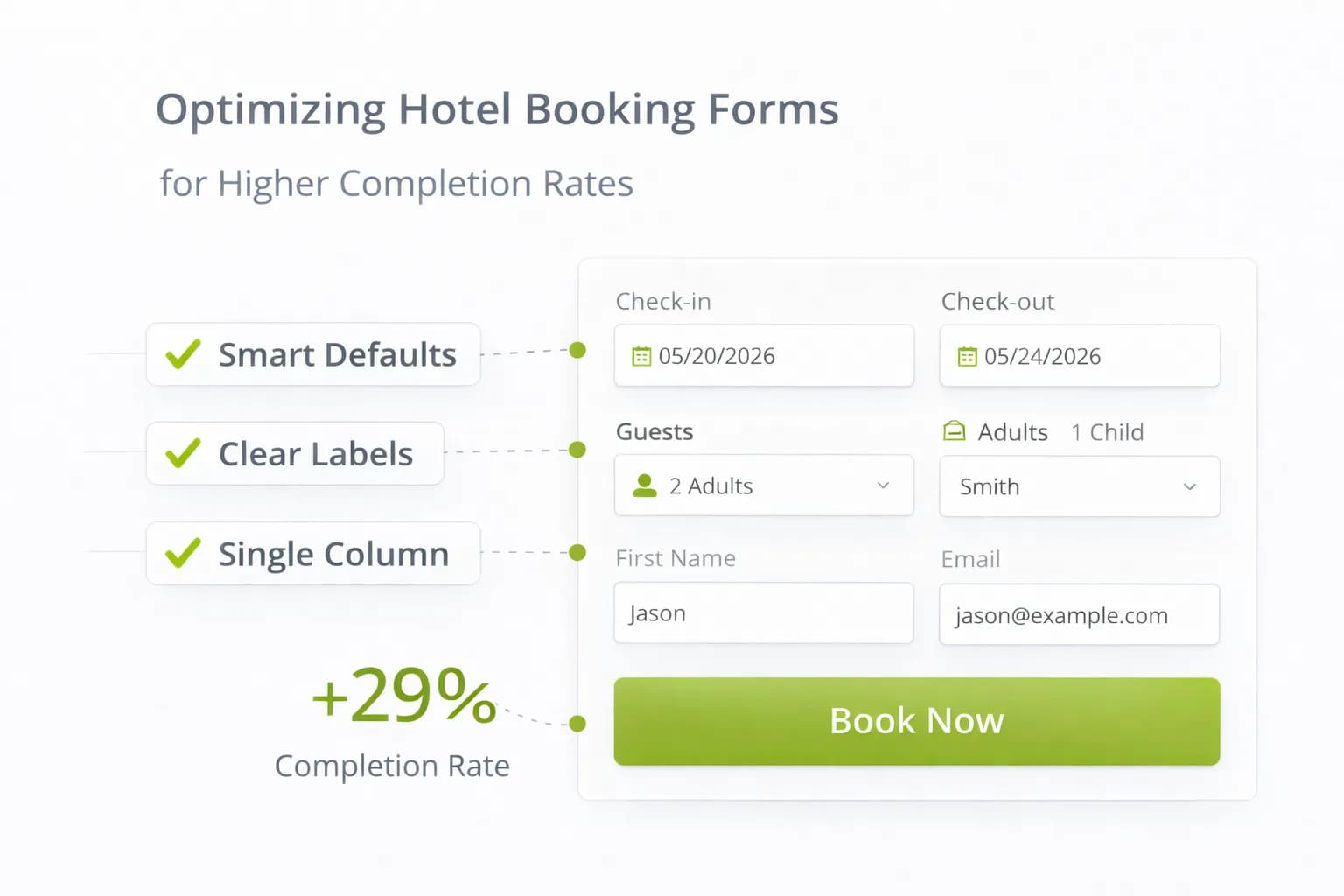
Most hotel booking drop-offs happen in the form. Guests hit confusing fields, unexpected fees, or clunky payment steps and abandon—often on mobile. The fix is not a redesign; it’s a clean, fast, predictable flow that answers questions as they appear.
This guide gives you a hotel-specific checklist for booking forms: field design, validation, payment, accessibility, and a measurement plan that proves uplift in GA4.
1) Ground rules before you change anything
- Keep speed healthy: measure LCP/CLS before and after edits; recheck with Website Speed and Mobile-Friendly. See Core Web Vitals guidance.
- Protect attribution: ensure cross-domain continuity site → engine → confirmation (see Cross-Domain Bookings).
- Measure purchases only: set
purchaseas the primary conversion; add clean funnel events (begin checkout → add payment info → purchase). Docs: GA4 ecommerce, GA4 conversions.
2) Field strategy: ask for less, format better
- Collect only what’s needed to transact: name, email, country, phone (optional), address only when required for billing.
- Use native inputs: email, tel, number, date; set mobile keyboards (numeric/email).
- One column on mobile; logical order: guest details → extras → payment → review.
- Show people what to type: labels persist outside the field; use short placeholders only for examples.
Quick wins
- Auto-format card numbers, postcodes; auto-advance between card fields.
- Country first → phone input with country code.
- Autofill enabled on all personal fields; use standard
autocompleteattributes.
3) Real-time validation that helps (not scolds)
- Validate on field blur and again on submit; errors are inline, in plain English.
- Never wipe what guests typed on error.
- Tell them how to fix it (“Postcode needs 5–8 characters” beats “Invalid”).
- For accessibility, tie error text to the field via
aria-describedby.
4) Progress UI that reduces anxiety
- Show total steps and where guests are (“Step 2 of 3: Payment”).
- Keep a summary sidebar (or sticky block on mobile) with dates, guests, room, total.
- A visible “Change details” link goes back without losing inputs.
5) Fee transparency near the CTA
- Display all fees and taxes with a true total before payment.
- Put cancellation terms within thumb reach; use one sentence plus “Learn more” to policy.
- Repeat totals on the payment step; no surprises.
For copy patterns and where to place this info, align with Hotel CRO: 2026 Insights and A/B Testing for Hotels.
6) Extras & upsells without friction
- Present 3–5 high-fit add-ons (parking, breakfast, late checkout); preselect only when fair.
- Explain value in 1 line (“Save 10% vs walk-up”).
- Price clarity: per night vs per stay. Update total instantly when toggled.
7) Payment that just works
- Offer Apple Pay / Google Pay where supported (fewer fields, higher mobile completion).
- Accept major cards; auto-detect type; support 3-D Secure gracefully.
- Timeouts with soft recovery: if authentication fails, return to payment step with all fields intact.
- Show security reassurance (lock icon, short PCI copy) without heavy seals.
If a PSP introduces an extra domain, make sure it’s in your cross-domain and unwanted referrals lists (see Cross-Domain guide).
8) Accessibility essentials (usable for everyone)
- Keyboard and screen-reader friendly; focus states visible.
- Labels outside fields; radio/checkbox groups with legends; large touch targets (≥44×44 px).
- Announce validation errors politely; don’t rely on colour alone.
- Language set correctly; date pickers usable with keys.
Follow general quality guidance in Google Search Essentials.
9) Mobile heuristics for booking forms
- Primary CTA sticky and unobtrusive; never covers totals.
- Avoid accordions for core fields; expand only optional sections.
- Keep the “Key Facts” block (fees, cancellation, check-in/out) visible or one tap away. See assistant-ready content.
- Compress images; defer non-critical scripts; retest with Website Speed.
10) Data integrity & privacy
- Respect consent (UK/EU): implement Consent Mode v2 and reflect it in your Privacy Policy.
- Keep PII out of GA4; store only in secure CRM/PMS.
- Use transaction IDs and currency in events; never send card data to analytics.
11) Measurement: prove the form is better
Wire a simple, reliable scoreboard.
Events
begin_checkout(first engine step)add_payment_info(payment step viewed)purchase(confirmation; includestransaction_id,value,currency)
Reports
- Completion rate: purchases ÷ begin checkout.
- Step-through: begin checkout → add payment info → purchase (by device).
- Revenue/1k sessions from Rooms/Offers entrances (tie to Analytics Dashboard).
- Form error rate: optional custom event when an error message is shown.
QA
- Use GA4 Realtime and DebugView to verify events end-to-end; annotate go-live.
- Reconcile totals with PMS/engine weekly.
12) Common leaks → quick fixes
- Guests abandon at card entry → enable Apple/Google Pay; auto-format card; reduce fields.
- High error rate on postcode/phone → use input masks and example hints; correct keyboards.
- Confusion over totals → show fees/taxes plainly near CTA; repeat on payment step.
- Returning guests re-type everything → enable autofill; respect saved profiles where vendor allows.
- Mobile rage taps → enlarge tap targets; move CTA within thumb reach.
13) 21-day booking-form sprint
Week 1 — Diagnose & plan
- Baseline funnel in GA4; record mobile vs desktop drop-offs.
- Run a quick heatmap/scrollmap on payment and details steps (see Heatmaps & Scrollmaps).
- List top 3 leaks: fields, fees, or payment.
Week 2 — Ship the basics
- Reduce fields; fix keyboards; add inline validation; make totals and cancellation visible.
- Turn on Apple/Google Pay (where available).
- Re-test speed and cross-domain.
Week 3 — Test & measure
- A/B one element (sticky CTA or fee transparency placement).
- Track purchases and revenue/1k sessions; review error rate by field.
- Roll the winner; document in Resources.
FAQ
Frequently Asked Questions
Conclusion
High-converting booking forms are short, clear, and predictable. Trim fields, validate helpfully, show the real total early, and make payment effortless—especially on mobile. Prove success with GA4 purchases and revenue/1k sessions, then run one focused test at a time to keep compounding direct bookings.
Make your booking flow effortless
Kiril Ivanov
Performance Marketing Specialist
Kiril Ivanov is a digital marketing specialist with experience managing local, national and international campaigns for businesses ranging from growing independent companies to major consumer brands. His background includes leading advertising automation work for Michael Kors and working on campaigns involving Canon, Dormeo, esure, DLG Group, Village Gym, Cameron House, Crerar Hotels, Cromlix Hotel, Harrison Fund and the Advertising Standards Authority. His experience spans paid search, paid social, advertising automation, SEO, conversion optimisation and wider digital strategy across hospitality, retail, financial services, professional services and other competitive sectors.
View author profile →Related Hotel Marketing Guides
Continue with related topics to build a complete strategy.