Core Web Vitals for Hotels: 2026 Optimisation Guide
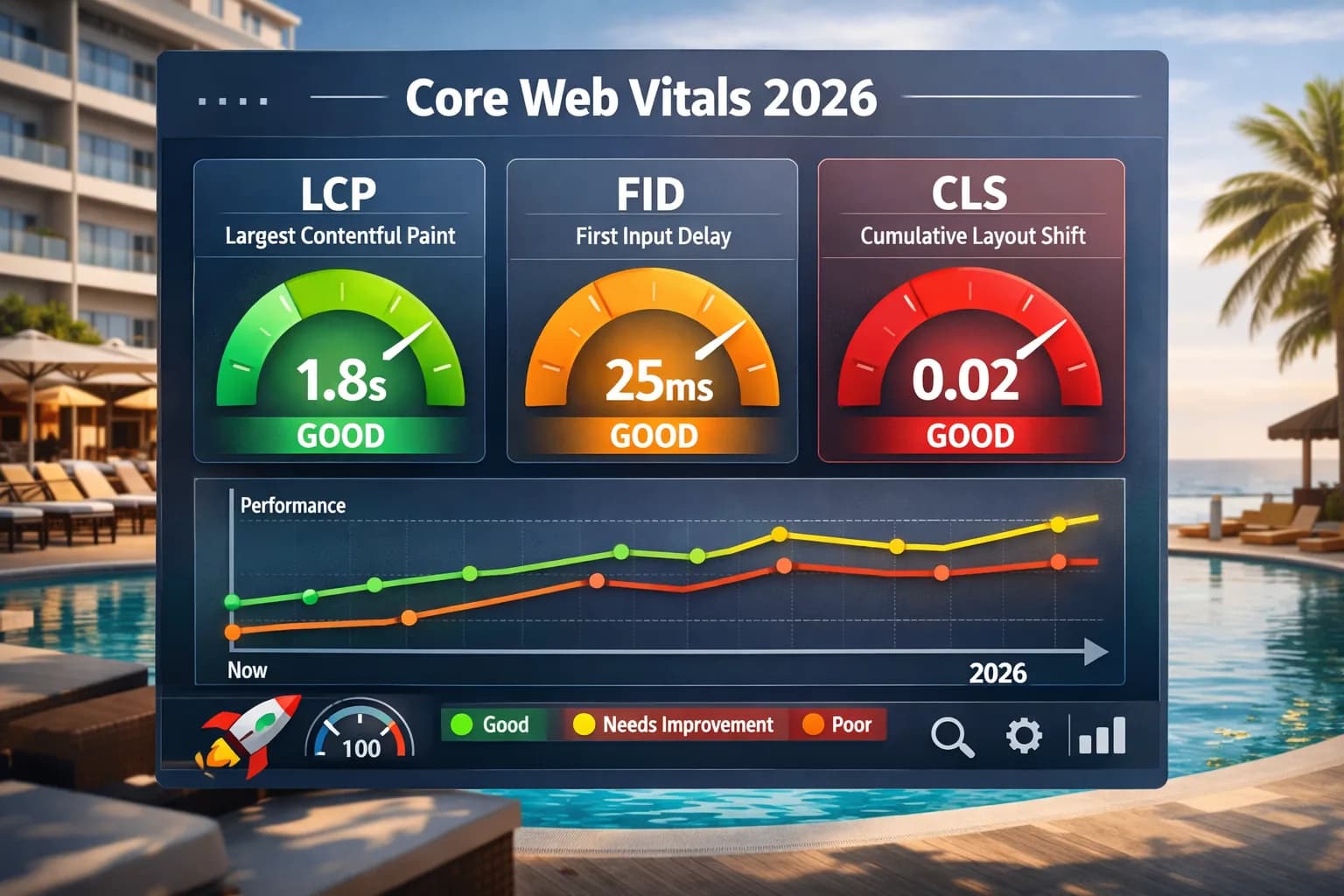
Core Web Vitals (CWV) are one of the clearest ways to quantify how fast and stable your hotel website feels to guests. In 2026 they remain a lightweight ranking signal – but more importantly, they are a direct proxy for user experience on real devices. Google recommends aiming for “good” CWV at the 75th percentile of visits to align with what its core ranking systems seek to reward.
For hotels, the goal is not a perfect score on every single URL. Instead, you want consistently good performance on the templates that actually drive bookings – room pages, offers and the booking flow itself.
What Core Web Vitals Mean for Hotels
CWV are made up of three primary metrics that describe how your pages load and respond for real users:
- LCP (Largest Contentful Paint) – how quickly the main content appears, often your hero image or heading.
- INP (Interaction to Next Paint) – how responsive the page feels when users click, tap or type. INP became a stable Core Web Vital in March 2024, replacing FID.
- CLS (Cumulative Layout Shift) – how much the layout jumps around as content loads.
Passing thresholds (aim for “Good” at the 75th percentile):
- LCP ≤ 2.5s
- INP ≤ 200ms
- CLS ≤ 0.1
Step 1: Identify the Templates That Matter
Start by mapping your site into a small set of templates and focusing on the ones closest to revenue:
- Room and suite pages
- Offers and packages pages
- Location / “things to do” pages for organic discovery
- Booking engine flows (wherever you control the experience)
Use Google Search Console’s Core Web Vitals report to see which templates underperform and whether issues are mainly on mobile or desktop. This report uses real-world Chrome UX (CrUX) data grouped at page and origin level.
Also run PageSpeed Insights on representative URLs (one per template) to compare field data (last 28 days) and lab diagnostics so you can reproduce issues.
Recommended workflow:
- Pull Search Console CWV by URL group
- Pick one “bad” and one “borderline” URL per template
- Test on PageSpeed Insights
- Reproduce with Lighthouse or WebPageTest
- Fix and re-check field data weekly until the 75th percentile passes.
Step 2: Improve LCP on Key Pages
Hotel designs often lean heavily on imagery. That makes LCP optimisation both critical and full of quick wins.
Priorities for hotel templates:
- Right-size and compress hero images (room, lobby, destination). Use AVIF/WebP with JPEG fallbacks. Keep the rendered size realistic for common mobile viewports.
- Prioritise the LCP resource:
- Inline critical CSS, defer or split the rest.
- Preload the LCP image with
<link rel="preload" as="image" imagesrcset="…" imagesizes="…">and/or usefetchpriority="high"on the LCP<img>.
- Eliminate render-blocking on room and offer templates (large CSS files, synchronous third-party scripts).
- Lazy-load non-critical media (below-the-fold galleries, embedded videos) so it doesn’t compete with the LCP element.
These actions directly reduce LCP time and improve the percentage of “Good” visits in field data. PageSpeed Insights and CrUX will reflect improvements once enough visits accrue.
Step 3: Make Interactions Feel Snappy (INP)
A slow booking calendar or unresponsive filters can be enough to send guests back to OTAs – even if the page technically “loads quickly”. INP observes the latency of all interactions in a visit and reports (roughly) the worst one, so a single sluggish widget can tank your score. Aim for ≤ 200ms.
High-impact INP fixes:
- Trim JavaScript on booking/search pages. Audit tags and third-party widgets; defer non-critical scripts until after first interaction where safe.
- Break up long tasks. Use
requestIdleCallback,requestAnimationFrame, or chunk work with microtasks so the main thread stays responsive. - Avoid heavy synchronous work on input. For example, debounce expensive filter logic and precompute data where possible.
- Use early interaction readiness. Avoid blocking the main thread during initial hydration; consider partial/streaming hydration patterns if your stack supports them.
- Measure on real devices. INP issues are often device- and interaction-specific; test with throttled CPU/network and actual mobile phones.
For deeper guidance on debugging and improving INP, see web.dev/inp.
Step 4: Stabilise Layout to Fix CLS
Layout shifts are jarring for guests and can lead to mis-taps on mobile – especially if prices or buttons move as the page loads.
Rules to live by:
- Always reserve space for images, videos, maps and third-party widgets using
width/heightattributes or CSSaspect-ratio. - Avoid injecting banners/consent bars above content after load; anchor them in reserved containers or at the bottom.
- Pre-size dynamic modules (reviews, promos, availability) and use skeletons/placeholders so content doesn’t push elements around later.
- Coordinate with your booking engine provider to minimise layout shifts inside iframes (fixed heights, placeholder containers, stable fonts).
For reference, see web.dev/cls.
Step 5: Monitor, Don’t Chase Perfection
CWV should become part of your regular technical checks, not a one-off project. Track performance on your core templates and align reporting with SEO and CRO dashboards so everyone sees the impact on bookings, not just scores.
Practical monitoring stack:
- Search Console CWV report for field trends by template (URL groups).
- PageSpeed Insights API + CrUX API for scheduled checks and alerts.
- web-vitals JS library to capture CWV in your own analytics (sample rate, template label, device type).
- Screaming Frog + PSI integration to pull CWV in bulk alongside crawl data for technical triage.
Passing means all three metrics are “Good” at the 75th percentile for the page or origin aggregation. Don’t panic over small regressions; prioritise templates where scores fall into “Needs Improvement” and correlate with conversion drops.
Hotel-Specific Playbook (by Template)
Room & Suite pages
- Serve a single, static hero image as the LCP; push galleries below the fold.
- Preload the hero; compress to a realistic 1200–1600px width for mobile/tablet.
- Inline above-the-fold CSS; defer non-critical CSS and web fonts.
Offers & Packages
- Avoid heavy carousels; render the first offer server-side and lazy-load the rest.
- Collapse long descriptions; hydrate “Show more” on interaction.
- If prices come from an API, reserve space and render a skeleton row.
Location / Things to Do
- Defer maps; render a static image first with a “View map” CTA to load the interactive map on demand.
- Lazy-load third-party embeds (Instagram, YouTube) with lightweight placeholders.
Booking Search & Calendar
- Only load essentials until the first result renders.
- Profile the calendar’s interaction handlers; split long tasks and memoise heavy computations.
- Keep the layout stable: fixed-height containers for rate grids; avoid dynamic font swaps.
Common Pitfalls on Hotel Sites (and How to Fix Them)
- Gigantic hero photos uploaded at 8–12MB → Export appropriately, convert to AVIF/WebP, and ensure responsive
srcset/sizes. - Consent and promo banners pushing content down → Reserve space or anchor to bottom; avoid above-content injection after load.
- Too many trackers on the booking funnel → Audit and defer non-essential tags; use server-side tagging where appropriate.
- Third-party widgets (reviews, chat, price compare) → Load after first interaction, or provide static placeholders with user-initiated expand.
How to Communicate CWV to GMs and Owners
- Explain in booking terms: “Faster first image, quicker taps, no jumping buttons.”
- Report by template, not by page: “Rooms/Offers/Booking” with green/yellow/red status.
- Tie to revenue: Share uplift from reduced exit rates or improved add-to-cart/booking steps alongside new “Good” coverage in CrUX/PSI.
Tools & References
- Understanding Core Web Vitals & Search (Google Search Central)
- PageSpeed Insights
- Chrome UX Report (CrUX)
- INP explained & optimisation guides
- CLS best practices
- Measuring Web Vitals with the web-vitals JS library
- Bulk CWV auditing with Screaming Frog + PSI integration
If you’d like help prioritising fixes and coordinating with your platform or dev team, a technical SEO engagement is often the quickest route to measurable improvements.
Discuss Core Web Vitals for your hotelAppendix: Quick Technical Checklist
- [ ] LCP element identified and prioritised (preload +
fetchpriority="high") - [ ] Critical CSS inlined; non-critical CSS/scripts deferred or split
- [ ] Images sized correctly with
srcset/sizes; AVIF/WebP where supported - [ ] All
<img>/<video>have width/height (oraspect-ratio) to avoid CLS - [ ] Third-party widgets loaded lazily with placeholders/skeletons
- [ ] Booking calendar and filters profiled; long tasks < 50ms, handlers debounced
- [ ] PSI + CrUX tracked weekly per template; alerts for dips below “Good”
- [ ]
web-vitalslibrary sending LCP/INP/CLS to analytics with template labels

Kiril Ivanov
Performance Marketing Specialist
Kiril Ivanov is a digital marketing specialist with experience managing local, national and international campaigns for businesses ranging from growing independent companies to major consumer brands. His background includes leading advertising automation work for Michael Kors and working on campaigns involving Canon, Dormeo, esure, DLG Group, Village Gym, Cameron House, Crerar Hotels, Cromlix Hotel, Harrison Fund and the Advertising Standards Authority. His experience spans paid search, paid social, advertising automation, SEO, conversion optimisation and wider digital strategy across hospitality, retail, financial services, professional services and other competitive sectors.
View author profile →Related Hotel Marketing Guides
Continue with related topics to build a complete strategy.