How to Reduce Bounce Rate on Hotel Websites
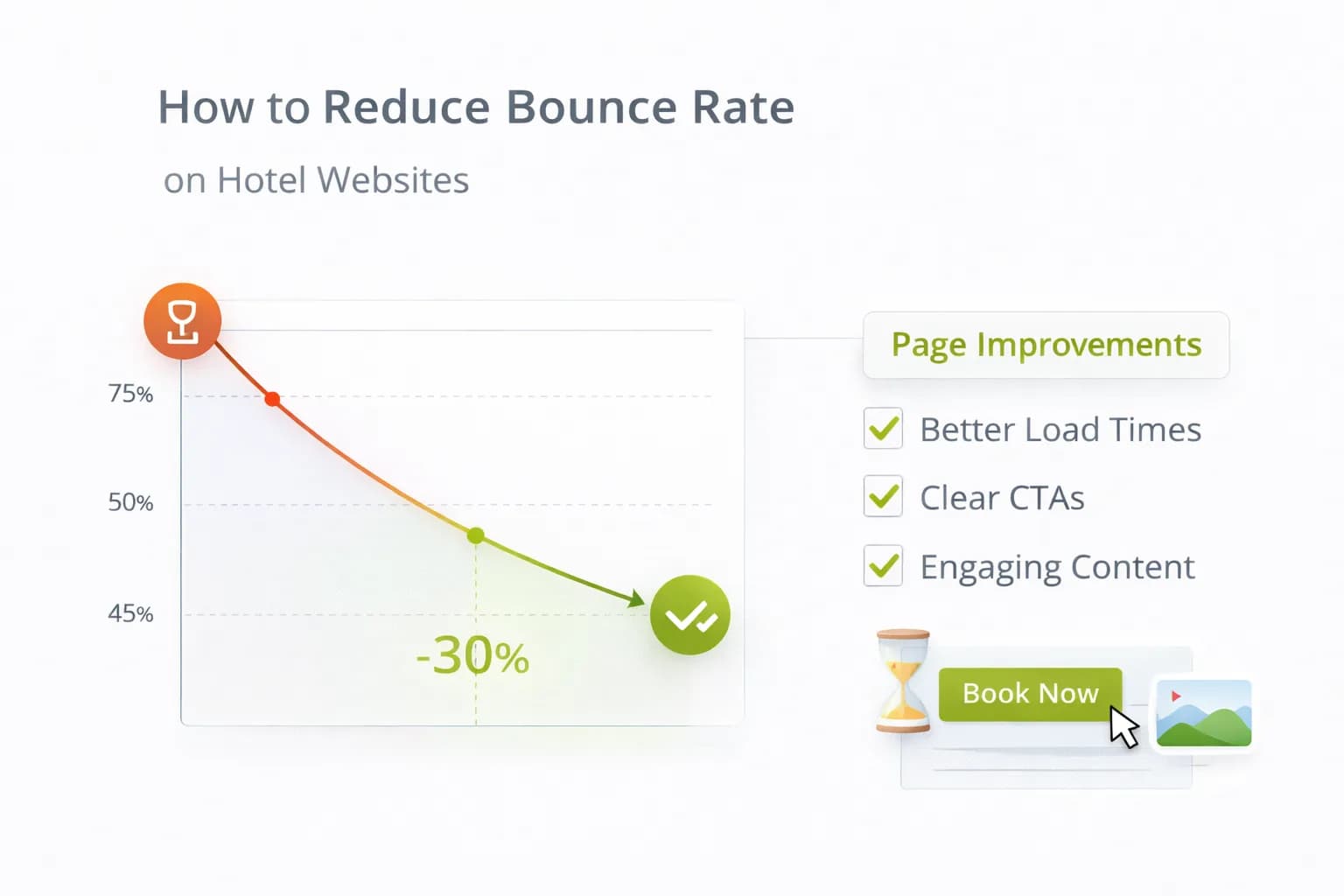
A high bounce rate usually means guests didn’t find clarity fast enough—slow pages, missing “key facts” (parking, breakfast), or a layout that hides the next step on mobile. Reducing bounce is not about tricks; it’s about speed, relevance, and visible actions that lead to booking.
This guide gives hotels a bounce-rate playbook that aligns with real outcomes—GA4 purchases and revenue per 1,000 sessions—so you fix leaks that actually move direct bookings.
1) First principles: what “bounce” really signals
- A “bounce” is a single-page session; on content hubs that answer a question, that isn’t always bad.
- For rooms, offers, location and parking pages, a high bounce usually means missing intent match or slow first screen.
- Track revenue/1k sessions and purchase rate alongside bounce; the goal is qualified engagement, not artificial time-on-page.
For quality basics, review Google Search Essentials and keep performance healthy with Core Web Vitals guidance.
2) The 5 drivers of bounces on hotel sites (and the fixes)
A) Slow LCP (Largest Contentful Paint)
- Optimise hero images; use modern formats; avoid heavy sliders.
- Defer non-critical JS and third-party tags; load UX tools after consent.
- Re-test with Website Speed.
B) No “key facts” above the fold
- Add a short Key Facts block: parking (cost/height/EV), breakfast times, check-in/out, accessibility, transport walking times.
- Use plain English and icons with labels. See CRO: 2026 Insights.
C) Weak mobile hierarchy
- One H1 + one primary CTA; remove hero carousels.
- Put navigational quick links (“Rooms”, “Offers”, “Parking”, “Location Guide”) near the top.
- Validate on Mobile-Friendly.
D) Mismatch between SERP promise and page
- Mirror query intent with the H1 and first paragraph (e.g., “Parking at [Hotel/Area]”).
- Add internal links to the next best action (rooms/offers/FAQ).
- Sanity-check titles/descriptions with Meta Tags.
E) Hidden next steps
- Persistent availability CTA on rooms/offers; visible “Contact/Group enquiry” on events pages.
- Use sticky but unobtrusive CTAs on mobile.
- Coordinate copy with your booking engine labels; see Booking Form Optimisation.
3) Pages that matter most for bounce
Prioritise the pages closest to a booking or decisive action:
- Rooms and Offers (commercial intent).
- Location / Parking / Breakfast (decision-assist intent).
- Homepage (navigation and trust).
- Event / Meeting enquiry pages (lead intent).
Pair bounce work with Heatmaps & Scrollmaps to see what’s actually ignored or mis-clicked.
4) Make the first screen do its job (mobile-first)
- Headline = location + value (“City-centre hotel with parking & family rooms”).
- Key Facts = 5 bullets max; link to full details lower down.
- Primary CTA = availability widget or “View Rooms”.
- Proof = one review badge or award strip; don’t overwhelm.
Keep paragraphs ≤3 sentences; use sub-headings every 3–4 blocks to help scanning.
5) Internal linking that lowers bounce (without spam)
- Add contextual links inside sentences to rooms, offers, and location hubs—especially in the first third of the page.
- From FAQ/parking pages, link to rooms with parking or breakfast-included offers.
- From location guides, link to walkable attractions sections and back to rooms/offers.
Use Hotel SEO principles to structure hubs and spokes.
6) Content patterns that keep guests moving
- Know-before-you-go sections on rooms/offers: fees, cancellation, deposit, ID requirements.
- Mini-FAQ (3–5 Qs) near the CTA; keep answers concise.
- Map moment: distances to transport and major venues (text + simple map).
- Direct benefits: price-match, flexibility, onsite perks (one line each).
For entity clarity and reuse in assistants, see Structuring Content for AI Assistants.
7) Design hygiene that quietly reduces bounce
- Tap targets ≥ 44×44 px; correct keyboards (email/tel/number).
- Avoid interstitials that block the first screen; delay newsletter modals.
- Keep CSS/JS lean; test after adding pixels (GTM governance—see GTM basics).
- Keep CLS stable; show image/slot dimensions.
8) When a high bounce is fine (and how to tell)
- If the page is an answer page (e.g., check-in times) and users bounce after reading while overall bookings rise, accept it.
- Track entrance page → assists (sessions that start there and buy later).
- In GA4, use assisted conversions and landing-page reports to see revenue influence.
Docs to bookmark:
9) Measurement: prove bounce fixes make money
Don’t celebrate lower bounce unless purchases and revenue/1k sessions improve.
In GA4 (with cross-domain on):
- Primary conversion =
purchase. - Scoreboard: Bounce, Engagement rate, Purchases, Revenue/1k sessions by landing page.
- Annotate when you ship changes.
In Search Console:
- Landing-page clicks/impressions; watch queries that drive bounces and adjust titles/descriptions.
- Ensure coverage/indexing are clean: Search Console.
Tools:
- Validate speed with Website Speed; mobile UX with Mobile-Friendly.
10) 14-day bounce-rate sprint (copy this)
Day 1–2 — Baseline
- Identify top 10 landing pages by sessions and bounce; add purchases and revenue/1k sessions columns.
- Record LCP/CLS and mobile vs desktop split.
Day 3–5 — Ship speed & above-the-fold fixes
- Compress/resize hero, remove carousel, defer non-critical scripts.
- Add Key Facts + primary CTA; add quick links.
Day 6–8 — Intent alignment
- Rewrite H1/intro to mirror search intent; adjust meta in Meta Tags.
- Add 2–3 contextual links to rooms/offers.
Day 9–11 — Test
- A/B test Key Facts placement or sticky CTA on a high-traffic page (see A/B Testing).
- Monitor GA4 Realtime and DebugView.
Day 12–14 — Review & scale
- Compare bounce + revenue/1k sessions; roll winners.
- Document changes in Resources and queue next pages.
11) Common pitfalls (and fast fixes)
- Chasing bounce only → Pair every change with purchases and revenue/1k sessions.
- Pixel bloat → Audit GTM monthly; fire heavy tags on DOM Ready or via Trigger Groups.
- Misleading titles → Align SERP promise with page content; update meta data.
- Sticky bars hiding content → Ensure CTAs never occlude headings or price info.
12) Tie-ins & next steps
- Deepen UX with behaviour evidence: Heatmaps & Scrollmaps.
- Fix last-mile leaks on the engine: Booking Form Optimisation.
- Plan iterative tests: What to Test First.
FAQ
Frequently Asked Questions
Conclusion
Lowering bounce for hotels is a speed + clarity exercise. Make the first screen do real work, align content to intent, keep actions visible on mobile, and measure everything against purchases and revenue/1k sessions. Run the 14-day sprint, then iterate with A/B tests to keep compounding results.
Stabilise speed, structure and UX—then scale bookings
Kiril Ivanov
Специалист по дигитален маркетинг
Кирил Иванов е специалист по дигитален маркетинг с опит в управлението на локални, национални и международни кампании за широк спектър от бизнеси — от независими компании до водещи потребителски марки. Неговият професионален опит включва ръководене на проекти за автоматизация на рекламата за Michael Kors и работа по кампании за Canon, Dormeo, esure, DLG Group, Village Gym, Cameron House, Crerar Hotels, Cromlix Hotel, Harrison Fund и Advertising Standards Authority (ASA). Опитът му обхваща платено търсене (PPC), платени социални мрежи, автоматизация на рекламата, SEO, оптимизация на процента на конверсия (CRO) и цялостна дигитална стратегия в хотелиерството, ритейла, финансовите и професионалните услуги.
Виж профила на автора →Свързани ръководства за хотелски маркетинг
Продължете със свързани теми, за да изградите пълна стратегия.