Hotel Photography and Video for SEO & PPC
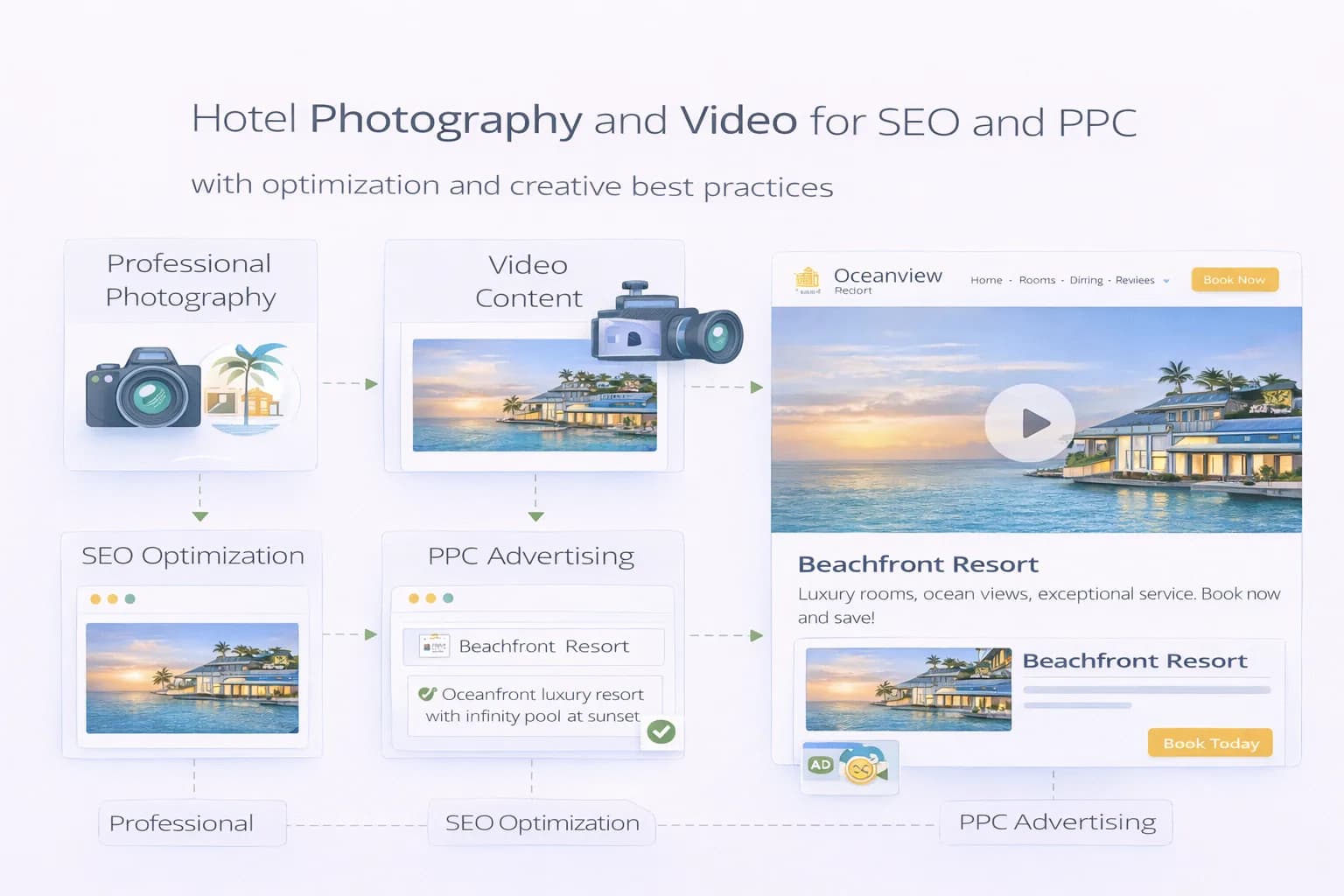
Great visuals sell stays—but only when they load fast, answer questions, and match intent on SERP, GBP, social and your booking flow. Heavy carousels, staged shots without practical details, and unlabelled videos hurt bookings.
This guide shows how hotels can plan, shoot, optimise, publish and measure photos and video so they lift SEO, map-pack CTR, and PPC performance—without breaking Core Web Vitals.
1) Visuals with a job: the decision gaps to close
Guests need to see answers fast:
- Room scale & layout: bed, bathroom, storage, outlets, view, desk.
- Accessibility: step-free routes, lift size, bathroom rails, door widths.
- Parking & transport: bays, EV chargers, entrance, walking times.
- Food & beverage: breakfast spread, hours, menus, seating.
- Wellness & amenities: spa, gym, pool, opening times.
Pair this with trust-first UX from Visual Identity & UX and page patterns in Brand That Converts.
2) Shoot plan (copy this checklist)
Pre-production
- Shot list per page type (Home, Rooms, Offers, Location, Parking, Breakfast, Meetings).
- Angles: wide + detail + functional (e.g., plugs by desk).
- People: light human presence for scale; avoid faces if consent is complex.
- Time of day: day + evening exteriors; breakfast 30 minutes after opening.
- Accessibility set: lifts, ramps, signage, accessible bathrooms.
On the day
- Keep rooms uncluttered; curtains/lighting consistent; avoid fisheye.
- Capture vertical 9:16 (Reels/Stories) and horizontal 16:9 (YouTube/hero).
- Gather 10–15s silent video loops per room and amenity.
Post
- File naming convention:
room-deluxe-double-bed.jpg,spa-sauna-evening.mp4. - Rights & releases filed; expiry dates logged.
3) Image optimisation (SEO + speed)
- Export appropriate sizes per component (hero, card, gallery). Set
width/heightto prevent CLS. - Use modern formats and compression; validate LCP/CLS with Website Speed and see Core Web Vitals guidance.
- Alt text = functional description that matches page intent (“Accessible double room with step-free shower”).
- Captions for decision support (parking height limits, breakfast times).
- Provide descriptive file names; follow Google’s image best practices: Image SEO guide.
4) Video that helps, not hinders
- Keep 20–40s walkthroughs per room/amenity; stabilise; avoid fast pans.
- Export adaptive bitrates; lazy-load below the fold; poster image set.
- Provide transcript/captions if there’s speech.
- Use VideoObject schema where appropriate; see Google video structured data.
5) Where visuals live (and how they connect)
On-site
- Home hero = one decisive image + headline + Key Facts.
- Room pages start with layout truth (bed/bath/accessibility) before mood shots.
- Offers get their own thumbnails; no generic stock.
Off-site
- GBP: upload latest room/amenity photos, categories and alt-like captions; keep consistent with site. Docs: GBP Help.
- YouTube for longer room/spa reels (supports PPC & SEO).
- Meta library with vertical cuts for remarketing; align with Meta Ads for Hotels.
6) Structured data & entities
- Use Hotel, LodgingBusiness, Offer, FAQ, and Breadcrumb schema where meaningful.
- Connect media to entities (room type, amenity). See Google structured data guide and our Entity Optimisation primer.
7) PPC creative system (search, display, video)
Google Ads
- RSAs: sitelinks to Rooms, Offers, Parking, Location; assets draw from the same hero set.
- Performance Max: supply clean product-like assets (rooms/offers with benefits). Keep file sizes lean; test 3 variant image sets.
- YouTube: 15–30s cutdowns with title card → value → proof → CTA. See YouTube Ads formats.
Meta
- Short vertical clips with first-frame clarity (“Riverside rooms • Free parking • Breakfast 7–10”).
- Creative buckets: Rooms, Location, Breakfast, Spa, Family.
- Reuse video loops for retargeting (viewed rooms but no purchase).
Tie ad landers to Landing Page Blueprint.
8) Accessibility & compliance
- Descriptive alt text; readable captions; high-contrast overlays on text-in-image.
- Avoid autoplay with sound; keep playback controls accessible.
- Follow WCAG 2.x guidance and general quality rules in Search Essentials.
9) Publishing flow (governance that scales)
- Upload to CMS with size variants and alt text.
- Add to component library (room cards, offer cards, facts block).
- Push to GBP and schedule seasonal refreshes.
- Export PPC-ready sets (1:1, 4:5, 9:16, 16:9) with naming convention.
- Re-test LCP/CLS after publish; annotate in GA4.
For component patterns, revisit trust-first UX.
10) Measurement: prove visuals drive bookings
In GA4 (cross-domain on)
- Primary conversion:
purchase(value & currency). - Track revenue/1k sessions by page template after media updates.
- Event hooks:
gallery_open,video_start,video_25/50/100,select_itemon room cards (non-PII). - Annotate shoot publish dates. Docs: GA4 ecommerce and GA4 conversions.
In Search Console
- Landing-page CTR changes after new hero images/titles; coverage stable.
- Image search impressions for key entities.
In Ads platforms
- Asset-level performance (CTR, Conv. rate, CPA/tROAS) by creative set.
- YouTube: view rate, clicks to site, assisted conversions.
Roll everything into an at-a-glance board using Analytics Dashboard.
11) Common pitfalls (and fixes)
- Heavy carousels kill LCP → replace with single hero + gallery below; compress aggressively.
- Mood over function → lead with layout and Key Facts; move lifestyle later.
- Unclear rights → maintain a rights registry; set refresh cadence.
- Mismatched booking engine → align thumbnails and copy; mirror fee/cancellation clarity (see Booking Form Optimisation).
- No alt/captions → add functional descriptions; improve assistant reuse.
12) 30-day visual uplift plan
Week 1 — Audit & plan
- Map decision gaps per template; define shot list; schedule shoot.
- Baseline LCP/CLS and conversion on Rooms/Offers.
Week 2 — Shoot & ingest
- Capture wide + detail + functional sets; produce 5–7 short loops.
- Export responsive sizes; write alt/captions; stage in CMS.
Week 3 — Publish & align channels
- Ship to Home/Rooms/Offers; update GBP; cut PPC assets; re-test speed.
- Launch a YouTube or Meta creative test with 2–3 image/video sets.
Week 4 — Measure & iterate
- Review revenue/1k sessions and ad asset metrics; keep winners.
- Document in Resources; queue next seasonal set.
FAQ
Frequently Asked Questions
Conclusion
Photos and video are conversion tools—not decoration. Plan shots around decision gaps, export fast variants, add functional captions, and align assets across GBP, SEO and PPC. Measure with GA4 purchases, Search Console CTR, and asset-level ad metrics, then refresh on a quarterly cadence.
Turn your visuals into bookings
Kiril Ivanov
Специалист по дигитален маркетинг
Кирил Иванов е специалист по дигитален маркетинг с опит в управлението на локални, национални и международни кампании за широк спектър от бизнеси — от независими компании до водещи потребителски марки. Неговият професионален опит включва ръководене на проекти за автоматизация на рекламата за Michael Kors и работа по кампании за Canon, Dormeo, esure, DLG Group, Village Gym, Cameron House, Crerar Hotels, Cromlix Hotel, Harrison Fund и Advertising Standards Authority (ASA). Опитът му обхваща платено търсене (PPC), платени социални мрежи, автоматизация на рекламата, SEO, оптимизация на процента на конверсия (CRO) и цялостна дигитална стратегия в хотелиерството, ритейла, финансовите и професионалните услуги.
Виж профила на автора →Свързани ръководства за хотелски маркетинг
Продължете със свързани теми, за да изградите пълна стратегия.