Online Reviews: How to Increase Google Ratings
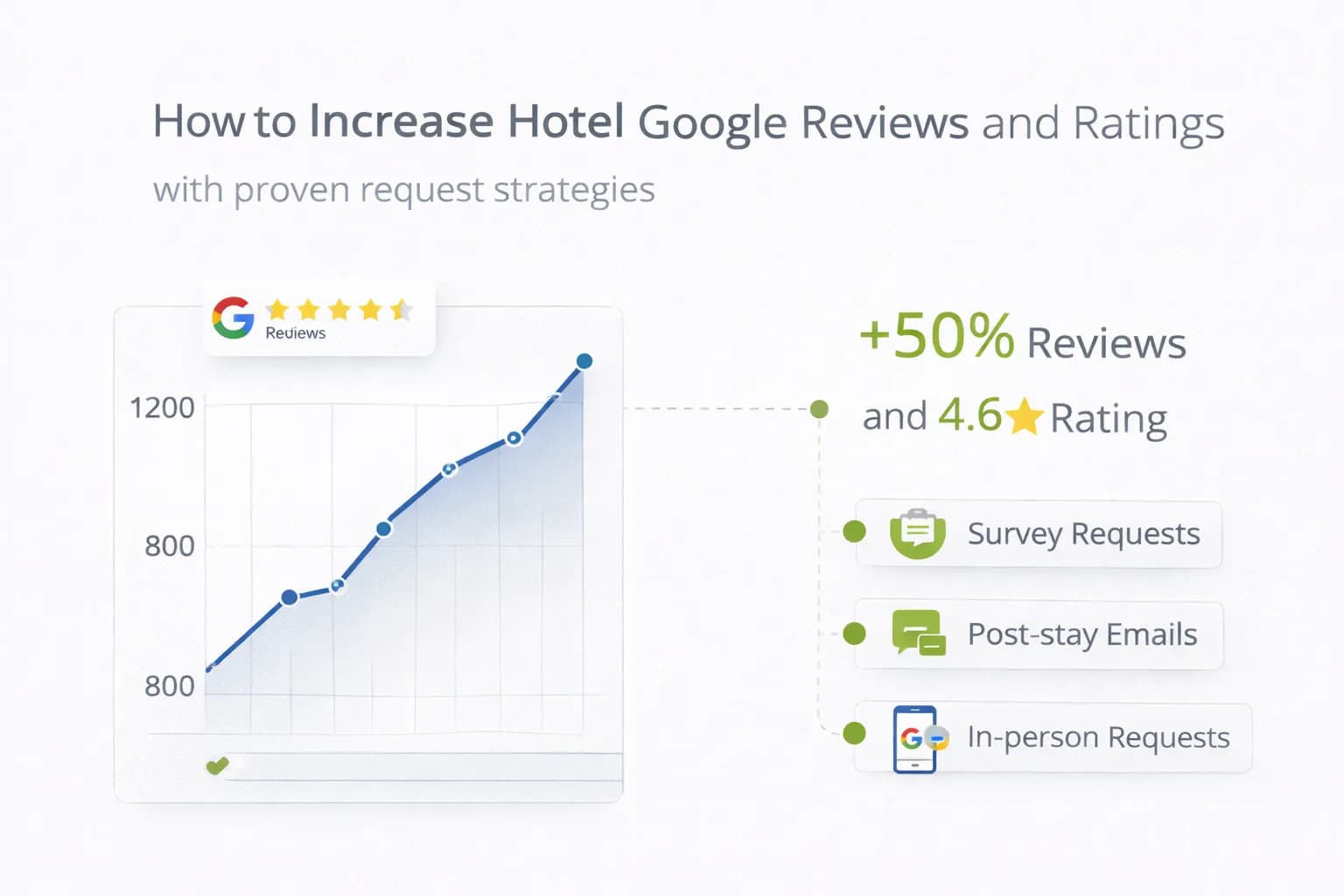
Google reviews influence map-pack rankings, click-through rate (CTR), and whether guests feel safe booking direct. The goal isn’t volume at any cost—it’s policy-compliant requests at the right moments, paired with on-stay service recovery so fewer guests leave unhappy.
This playbook gives you a hotel-specific system to increase review count and average rating on Google, without incentives or grey tactics that risk removal or suspension.
1) First principles (stay inside Google’s rules)
- Ask for honest reviews, never offer incentives, discounts, or gifts in exchange.
- Do not gate (asking only happy guests to post on Google).
- Do not post reviews for your own business or from staff pretending to be guests.
See Google’s official guidance on reviews and user-contributed content to avoid removals and penalties:
About reviews on Google • Maps user-contributed content policy.
For UK hotels, ensure general consumer compliance: CMA advice on online reviews.
2) Where hotel reviews affect performance
- Map Pack ranking & selection: recency, volume, and response behaviours are visible signals.
- SERP CTR: higher ratings and fresh comments lift clicks to your site.
- Conversion quality: guests skim for parking, breakfast, cleanliness, staff themes.
- Assistant/AEO surfaces: clear patterns (entities like “parking”, “family rooms”) inform answers. For entity hygiene, see Entity Optimisation for Hotels.
3) Build a review funnel around the guest journey
A) Pre-stay (set expectations)
- Confirmation email includes parking, check-in/out, breakfast times, accessibility notes. Setting expectations reduces negative surprises later.
- Add a Key Facts section on the site; this alone cuts avoidable complaints. See Visual Identity & UX.
B) On-stay (service recovery first)
- Train front-desk and housekeeping to log issues and confirm resolution.
- A same-day “Everything OK?” SMS/WhatsApp for 2+ night stays—no review ask yet.
- For fixed issues (e.g., noisy room moved), annotate the profile so post-stay messages can reflect the resolution.
C) Post-stay (the compliant ask)
- 24–48 hours after checkout: send a simple email/SMS: “Thanks for staying with us—would you share your experience on Google?” Include a clean direct link to your Google review form.
- 4–6 days later: a gentle one-tap reminder to non-responders. No more than two nudges.
- Ask closest to the positive moment: after a strong checkout interaction or confirmed problem resolution, but not while the issue is still live.
Create a shareable review link from GBP: Ask for reviews → copy the review form link. Docs: Share your Business Profile & get reviews.
4) Crafting the request (short, specific, human)
Subject: How was your stay at [Hotel]?
Body:
“Thank you for choosing us. Honest reviews help other travellers and keep us improving. If you have a minute, we’d be grateful for your feedback on Google.”
- Add 3 prompt cues guests can copy: staff friendliness, parking & location, breakfast.
- Link: Leave a Google review → your GBP review URL.
Avoid templates that hint at incentives. Keep reading level B1–B2.
5) On-property placements that work
- Table tent / QR in rooms and breakfast areas: “Tell us how we did” → first links to internal feedback form (for service recovery), then the thank-you page suggests Google review (no gating—anyone can still reach Google from the site).
- Wi-Fi landing page thank-you state after login can include a review link.
- Key card wallet print with review QR.
Ensure any internal feedback path does not hide the option to review publicly—avoid “gating”.
6) Handling language and international guests
- Detect browser language for email/SMS templates; keep copy simple.
- On site, provide one-line translations for review prompts (EN + local language).
- For global guests, highlight transport and check-in clarity in comms—these drive ratings.
7) Response strategy (what to say, when to say it)
- Respond to all new reviews within 72 hours; thank positive ones with specifics (mention what they praised).
- For negatives:
- Acknowledge the issue.
- State the fix (or invite to DM with booking details).
- Avoid personal data; stay factual and polite.
- Keep tone consistent with your brand voice (see Brand That Converts).
GBP response basics: Reply to reviews.
8) Operational fixes that improve ratings fastest
- Parking clarity (cost/height/EV bays, directions, night access).
- Breakfast quality & times (state the window; keep items stocked).
- Room readiness (cleanliness checklist; late housekeeping cutoff).
- Noise & temperature (offer quiet rooms, fans, spare duvets).
- Staff empowerment (budget to solve issues at first contact).
Close the loop by turning repeat complaints into FAQ micro-cards near CTAs; see FAQ Content for Hotels.
9) GBP hygiene (your foundation)
- Keep name, address, phone consistent with the site; check attributes (parking, accessibility, EV charging). Use GBP Consistency.
- Add high-quality photos of rooms, breakfast, parking, and accessibility features (update quarterly).
- Use categories accurately (e.g., “Hotel”, “Spa hotel”, if applicable).
- Post updates for seasonal offers and service changes.
GBP documentation: Business Profile Help.
10) Automate (without sounding robotic)
- Trigger the post-stay review ask from PMS checkout status.
- Send at local time 10:00–12:00 or 18:00–20:00 in the guest’s timezone; suppress for escalated complaint cases.
- Cap nudges to 2 total; stop after a review is detected (via UTM visits to the review link or CRM flags).
For broader automation ideas, see Automating Guest Feedback Collection.
11) Measurement: prove ratings lift bookings
GBP (primary)
- New reviews / month
- Average rating and rating distribution (4★ vs 1–2★ trends)
- Profile actions: calls, website clicks, direction requests
GA4 + CRM/PMS
- Landing /contact and /rooms/offers sessions from GBP.
- Purchases attributed to organic local/GBP where cross-domain is configured (see Cross-Domain Bookings).
- Direct vs OTA share over time—ratings and recency often correlate with direct uplift.
Search Console
- Branded query CTR changes after ratings improve.
- Landing-page clicks for location/brand pages.
Roll key metrics into your Analytics Dashboard and track review trends in GBP Consistency Checker.
12) 30-day review acceleration plan (copy this)
Week 1 — Foundation
- Verify GBP categories/attributes/photos; fix NAP mismatches.
- Generate the review link and add it to email/SMS templates.
- Train front desk: service recovery playbook + “Thank you” phrasing.
Week 2 — Go live
- Automate the post-stay ask (24–48h).
- Place QRs in rooms and breakfast area with internal feedback → Google path (no gating).
- Start responding to every new review within 72h.
Week 3 — Improve the on-stay experience
- Fix two high-frequency issues (parking clarity, breakfast window).
- Update site Key Facts blocks; add mini-FAQs.
Week 4 — Measure & refine
- Review counts, average rating, GBP actions, and direct bookings.
- Adjust send times and subject lines; suppress escalated cases.
- Plan Q2 photo refresh of rooms/parking/breakfast.
FAQ
Frequently Asked Questions
Conclusion
Raising Google ratings is an operational + communication job: fix recurring friction, ask at the right time, make it one tap to review, and close the loop in GBP replies. Track outcomes in GBP, GA4 and PMS, and your review momentum will translate into map visibility, higher CTR, and more direct bookings.
Build a sustainable review engine
Solene Capaldi
Специалист по гостоприемство и преживяване на гостите
Солен Капалди е специалист по хотелски операции и клиентско преживяване с над 17 години опит във Франция и Шотландия. Фокусира се върху комуникацията с гостите, управлението на отзиви и стандартите за обслужване.
Виж профила на автора →Свързани ръководства за хотелски маркетинг
Продължете със свързани теми, за да изградите пълна стратегия.